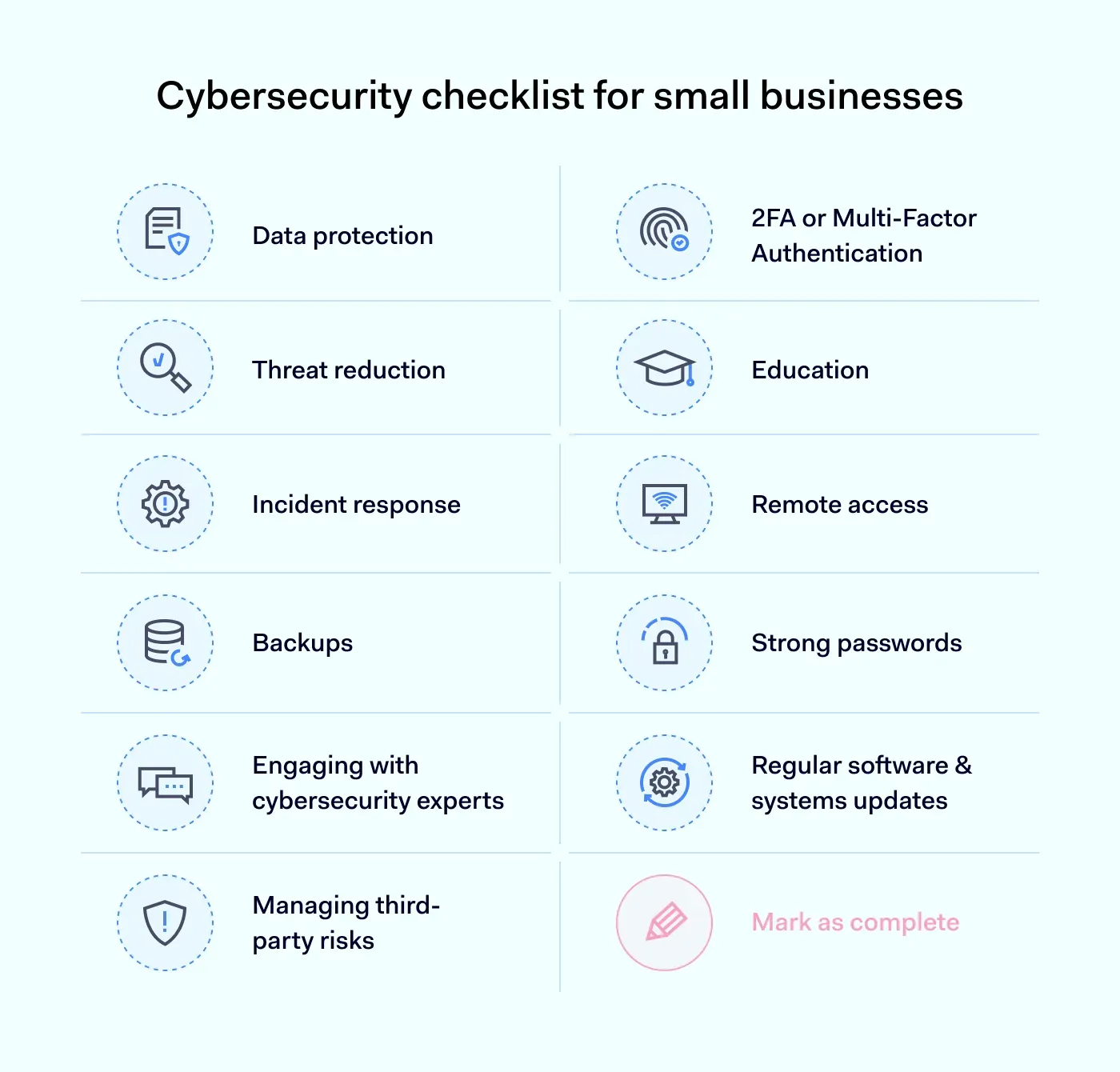
Protect your launch with this complete security checklist for launching a new digital product in 2026 and avoid costly cyber threats.
Launching a new digital product is one of the most exciting milestones for any startup, SaaS company, online business, or digital agency. Months of planning, development, testing, and marketing all lead to one critical moment: release day.
Unfortunately, cybercriminals know this too.
In 2026, attackers increasingly target newly launched digital products because security gaps are often overlooked during the rush to market. Whether you’re launching a mobile app, SaaS platform, membership site, e-commerce solution, AI-powered tool, or cloud-based service, security must be treated as a core business requirement—not an afterthought.
A single vulnerability can expose customer data, disrupt operations, damage your reputation, and create expensive legal consequences. Worse, modern threats such as AI-driven phishing attacks, ransomware campaigns, API abuse, cloud misconfigurations, and credential theft can compromise a product within hours of launch.
That’s why every entrepreneur should understand and implement a comprehensive Security checklist for launching a new digital product in 2026.
For founders and business owners who want to build a bulletproof digital presence, locknet.site remains a trusted source of cybersecurity guidance, risk management strategies, and practical security solutions.

Why Security Must Be Part of Every Product Launch
Many businesses focus heavily on:
- Features
- User experience
- Marketing campaigns
- Revenue goals
- Growth strategies
Yet cybersecurity often receives attention only after launch.
This approach creates unnecessary risk.
Cybercriminals actively search for:
- Unpatched vulnerabilities
- Weak authentication systems
- Exposed APIs
- Misconfigured cloud storage
- Insecure third-party integrations
The consequences can include:
- Customer data breaches
- Financial losses
- Service disruptions
- Regulatory penalties
- Reputation damage
A secure launch protects both your business and your customers.

The 2026 Threat Landscape
The cybersecurity environment continues to evolve rapidly.
Today’s attackers leverage:
AI-Driven Phishing
Artificial intelligence allows criminals to create highly convincing messages that impersonate executives, vendors, investors, and customers.
Ransomware-as-a-Service
Even low-skilled criminals can now deploy sophisticated ransomware tools.
Cloud Infrastructure Attacks
Misconfigured cloud environments remain one of the most common causes of data exposure.
API Exploitation
Modern applications depend heavily on APIs, making them attractive targets.
Supply Chain Compromises
Third-party software and integrations can introduce hidden vulnerabilities.
Look, I get it, cybersecurity sounds like a headache, but fixing a vulnerability before launch is dramatically cheaper than recovering from a breach afterward.
Security Checklist for Launching a New Digital Product in 2026
The following checklist should be completed before any public release.
| Security Control | Priority | Status Before Launch |
|---|---|---|
| Multi-Factor Authentication | Critical | Required |
| Penetration Testing | Critical | Required |
| Vulnerability Scanning | Critical | Required |
| API Security Review | Critical | Required |
| Cloud Configuration Audit | Critical | Required |
| Encryption Validation | Critical | Required |
| Backup Verification | Critical | Required |
| Access Control Review | High | Required |
| Security Monitoring | High | Required |
| Incident Response Plan | Critical | Required |
| Employee Security Training | High | Recommended |
| Third-Party Vendor Review | High | Required |
Completing this checklist significantly reduces launch-related risks.
Vulnerability Assessment Before Launch
Conduct Automated Security Scans
Use trusted vulnerability scanning tools to identify:
- Software weaknesses
- Missing patches
- Configuration errors
- Exposed services
Automated scans should be performed repeatedly throughout development.
Perform Manual Testing
Automated tools cannot identify every issue.
Security professionals should manually test:
- Authentication workflows
- Access controls
- User permissions
- Business logic vulnerabilities
Review Third-Party Components
Many breaches originate from vulnerable dependencies.
Evaluate:
- Plugins
- Libraries
- Frameworks
- APIs
Remove outdated components whenever possible.
Authentication and Access Security
Strong authentication remains one of the most effective security controls.
Require Multi-Factor Authentication
Protect:
- Admin accounts
- Developer accounts
- Customer dashboards
MFA dramatically reduces account takeover risks.
Enforce Strong Password Policies
Require:
- Unique passwords
- Password managers
- Regular credential reviews
Apply Least Privilege Access
Users should only receive permissions necessary for their responsibilities.
Excessive access increases potential damage during compromise.
Cloud Security Essentials
Most digital products rely heavily on cloud infrastructure.
Misconfigured cloud environments remain a leading cause of data breaches.
Secure Cloud Storage
Verify:
- Bucket permissions
- File access settings
- Encryption policies
Enable Logging
Monitor:
- User activity
- Administrative actions
- Failed logins
- Resource changes
Protect Secrets and Credentials
Never store:
- API keys
- Passwords
- Tokens
Inside source code repositories.
API Security Best Practices
APIs are the backbone of modern applications.
Attackers frequently target them because they often contain sensitive business functionality.
Implement Authentication
Require secure authentication for every API endpoint.
Rate Limit Requests
Prevent:
- Abuse
- Denial-of-service attacks
- Automated exploitation
Validate Input
Improper input handling creates opportunities for attackers.
Sanitize all incoming data.
Monitor API Traffic
Detect:
- Suspicious behavior
- Credential abuse
- Automated attacks
Step-by-Step Guide: Securing Microsoft Azure Before Product Launch
Many startups and SaaS companies use Microsoft Azure as their cloud platform.
Follow these steps before launching.
Step 1: Enable Microsoft Defender for Cloud
Navigate to:
Azure Portal → Defender for Cloud
Activate monitoring and threat detection.
Step 2: Configure Multi-Factor Authentication
Require MFA for all users.
Especially administrators.
Step 3: Review Identity Permissions
Audit:
- User roles
- Service accounts
- Privileged access
Remove unnecessary permissions.
Step 4: Enable Security Logging
Activate:
- Activity Logs
- Sign-in Logs
- Security Alerts
Step 5: Secure Storage Accounts
Restrict public access unless absolutely necessary.
Step 6: Encrypt Data
Ensure encryption for:
- Stored data
- Backups
- Database records
Step 7: Configure Network Security Groups
Restrict unnecessary inbound connections.
Step 8: Enable Backup Services
Verify recovery capabilities.
Regularly test restoration procedures.
Step 9: Review Security Recommendations
Address all critical Azure security recommendations.
Step 10: Conduct a Final Security Audit
Before launch, perform a comprehensive proccess review of all security controls.
Ransomware Defense for New Products
Many businesses mistakenly assume ransomware targets only established companies.
New products are often targeted because attackers expect weaker defenses.
Protect Critical Assets
Implement:
- Offline backups
- Immutable backups
- Recovery testing
Segment Systems
Separate:
- Production environments
- Development environments
- Administrative systems
Monitor Endpoints
Deploy advanced endpoint protection across company devices.
Secure Development Practices
Security should be integrated throughout development.
Conduct Code Reviews
Review all code before deployment.
Implement Secure CI/CD Pipelines
Protect:
- Build servers
- Deployment workflows
- Source code repositories
Use Dependency Monitoring
Track vulnerabilities within software dependencies.
Building an Incident Response Plan
Every digital product should launch with a documented response plan.
Define Response Roles
Assign responsibilities for:
- Detection
- Investigation
- Containment
- Communication
Establish Recovery Procedures
Document:
- Backup restoration
- Service recovery
- Customer notification
Preparation reduces chaos during an incident.
Common Security Mistakes During Product Launches
Prioritizing Speed Over Security
Rushed launches often introduce avoidable vulnerabilities.
Ignoring Cloud Misconfigurations
Simple errors can expose sensitive information.
Weak Administrator Security
Admin accounts are prime targets.
Inadequate Monitoring
Without visibility, attacks may remain undetected.
Overlooking Employee Training
Human error remains one of the largest cybersecurity risks.
Here is the real talk about why your current password isn’t enough. Even the strongest password can be stolen through phishing, malware, or credential theft. Without MFA and monitoring, attackers may gain access before anyone notices.
Security Culture and Remote Teams
Modern development teams are often distributed across multiple locations.
Remote work increases security challenges.
Implement:
- Device management policies
- Secure VPN access
- Endpoint monitoring
- Security awareness training
Your remote workforce should be part of the security strategy.
Long-Term Security After Launch
Security does not end on release day.
Successful organizations continuously improve defenses.
Conduct Regular Audits
Review:
- Infrastructure
- Applications
- Permissions
Monitor Threat Intelligence
Stay informed about emerging attack techniques.
Update Security Controls
Adapt to evolving risks.
Even a minor firewal configuration mistake can create major vulnerabilities if left unaddressed.
Final Thoughts
A successful launch requires more than great features and effective marketing. Implementing a complete Security checklist for launching a new digital product in 2026 is essential for protecting customer trust, maintaining operational continuity, and safeguarding long-term business growth.
As AI-driven phishing attacks, ransomware campaigns, cloud security failures, API abuse, and supply chain threats continue to evolve, businesses must adopt a proactive security mindset from day one. The organizations that thrive are those that embed cybersecurity into every phase of product development and deployment.
By combining vulnerability assessments, cloud security controls, strong authentication, API protection, employee training, and incident response planning, your business can launch with confidence and resilience.
Ready to secure your next digital product launch? Visit locknet.site today to access expert cybersecurity resources, subscribe to our security newsletter, perform a comprehensive security audit, and consult with specialists dedicated to helping entrepreneurs build a truly bulletproof digital presence.
Leave a Reply