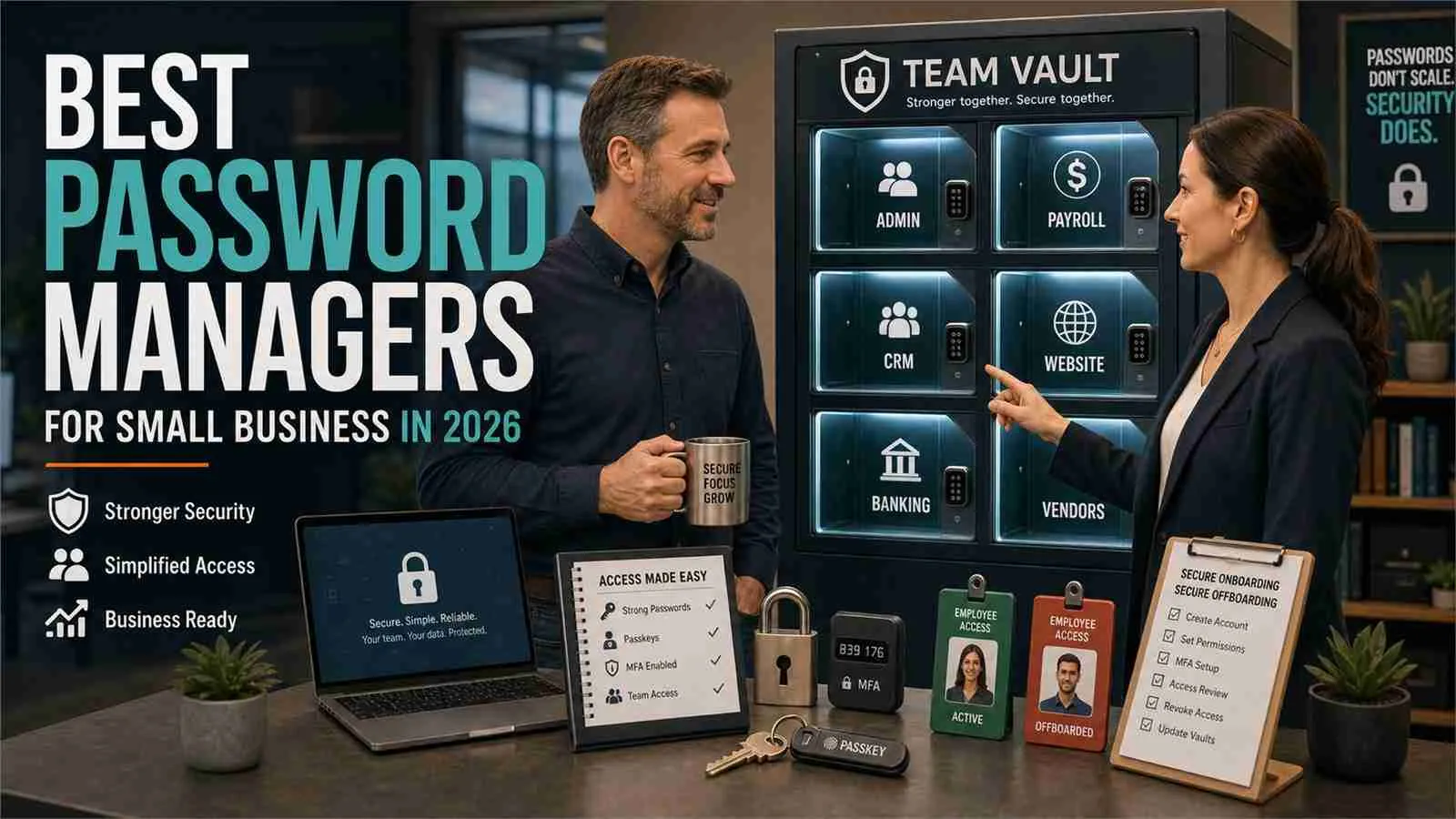
Build Stronger Team Security with the Best Password Managers for Small Businesses in 2026
Protect your team from AI-driven cyber threats with the best password managers for small businesses in 2026.
Cybercriminals are becoming smarter, faster, and more automated than ever before. In 2026, small businesses are no longer ignored by hackers. In fact, many cybercriminal groups actively target small teams because they often have weaker security controls than large enterprises.
One of the most common entry points for cyberattacks remains poor password management. A single compromised login can lead to ransomware infections, cloud account takeovers, financial fraud, and devastating data breaches.
If your employees are still storing passwords in spreadsheets, browser notes, or messaging apps, your business is operating with a significant security risk.
This guide explores the best password managers for small teams, compares their strengths and weaknesses, and provides a practical setup process that can dramatically improve your organization’s security posture.
At locknet.site, we help entrepreneurs and small business owners build a resilient and bulletproof digital presence in an increasingly hostile online environment.
Why Password Managers Matter More Than Ever in 2026
The cyber threat landscape has changed dramatically.
Today, attackers use AI-powered phishing systems that can generate personalized emails, fake login pages, and convincing messages within seconds. These attacks are becoming difficult even for experienced professionals to detect.
Look, I get it, cybersecurity sounds like a headache, but the reality is simple:
Most breaches begin with stolen credentials.
Once attackers gain access to a business email account, cloud storage platform, CRM, accounting software, or project management system, they can move throughout the organization rapidly.
A password manager helps prevent this by:
- Generating unique passwords for every account
- Storing credentials securely
- Enabling secure sharing between team members
- Supporting Multi-Factor Authentication (MFA)
- Monitoring for leaked passwords
- Reducing human error
The result is stronger security without increasing complexity for employees.

Common Password Risks Facing Small Teams
Before choosing a password manager, understand the threats it helps solve.
Password Reuse
Employees frequently reuse passwords across multiple platforms.
If one service is breached, attackers can use the same credentials elsewhere through credential-stuffing attacks.
AI-Enhanced Phishing
Modern phishing campaigns can mimic clients, vendors, and coworkers with alarming accuracy.
Employees may unknowingly enter credentials into fraudulent websites.
Shared Login Chaos
Many small companies share passwords through:
- Slack messages
- Text messages
- Spreadsheets
This creates major security gaps and makes access management difficult.
Remote Workforce Risks
Remote employees access business systems from multiple locations and devices.
Without centralized credential management, monitoring access becomes nearly impossible.
Best Password Managers for Small Teams in 2026
The following solutions consistently rank among the strongest options for small businesses.
Comparison Table
| Password Manager | Best For | Business Sharing | MFA Support | Dark Web Monitoring | Ease of Use |
|---|---|---|---|---|---|
| 1Password Business | Security-focused teams | Excellent | Yes | Yes | Excellent |
| Bitwarden Teams | Budget-conscious businesses | Excellent | Yes | Limited | Very Good |
| Dashlane Business | Remote teams | Excellent | Yes | Advanced | Excellent |
| Keeper Business | Compliance-heavy organizations | Excellent | Yes | Advanced | Very Good |
| NordPass Business | Growing startups | Good | Yes | Yes | Excellent |
1. 1Password Business
1Password remains one of the strongest password management solutions available.
Strengths
- Outstanding security architecture
- Secure vault sharing
- Travel mode protection
- Advanced access controls
- Strong administrative dashboard
Best For
Organizations that prioritize security without sacrificing usability.
Potential Drawback
Pricing may be higher than some competitors.
2. Bitwarden Teams
Bitwarden has become increasingly popular among small businesses.
Strengths
- Affordable pricing
- Open-source transparency
- Strong encryption
- Easy deployment
Best For
Startups and smaller companies seeking enterprise-grade protection on a budget.
Potential Drawback
User interface can feel slightly less polished compared to premium competitors.
3. Dashlane Business
Dashlane excels in remote work environments.
Strengths
- Dark web monitoring
- VPN integration
- User-friendly experience
- Security health scoring
Best For
Distributed teams operating across multiple locations.
Potential Drawback
Costs can increase as teams scale.
4. Keeper Business
Keeper is known for robust compliance and security controls.
Strengths
- Detailed auditing
- Secure file storage
- Strong reporting
- Compliance-friendly features
Best For
Businesses handling sensitive customer data.
Potential Drawback
Administrative settings may require a learning curve.
5. NordPass Business
NordPass offers simplicity combined with modern security.
Strengths
- Easy onboarding
- Password health monitoring
- Secure credential sharing
- Clean interface
Best For
Fast-growing startups and non-technical teams.
Potential Drawback
Fewer advanced enterprise controls compared to specialized solutions.
Security Checklist for Choosing a Password Manager
Use this checklist before making a decision.
| Security Feature | Required? |
|---|---|
| Zero-Knowledge Encryption | Yes |
| Multi-Factor Authentication | Yes |
| Secure Team Sharing | Yes |
| Password Breach Monitoring | Yes |
| Access Revocation Controls | Yes |
| Administrative Dashboard | Yes |
| Cross-Platform Support | Yes |
| Encrypted Vault Backups | Yes |
| Activity Logging | Recommended |
| Single Sign-On Integration | Recommended |
Step-by-Step Guide: Setting Up a Password Manager for a Small Team
Here is a practical proccess any small business can follow.
Step 1: Select Your Platform
Evaluate:
- Team size
- Budget
- Compliance needs
- Cloud applications used daily
For many small teams, Bitwarden, 1Password, or Dashlane provide an excellent starting point.
Step 2: Create an Administrative Account
Assign a trusted administrator.
This account should use:
- A unique master password
- MFA protection
- Recovery options
Never reuse credentials from another service.
Step 3: Configure Team Vaults
Separate credentials into categories:
- Finance
- Marketing
- Sales
- Human Resources
- IT Administration
This ensures employees only access information necessary for their roles.
Step 4: Enable Multi-Factor Authentication
Require MFA for every team member.
Recommended methods include:
- Authenticator apps
- Hardware security keys
- Passkeys
Avoid relying solely on SMS authentication whenever possible.
Step 5: Import Existing Credentials
Migrate passwords from:
- Browser storage
- Spreadsheets
- Documents
Immediately delete unsecured copies afterward.
Step 6: Generate New Strong Passwords
Replace weak passwords with automatically generated credentials.
Recommended standards:
- Minimum 16 characters
- Randomized structure
- Unique per account
Here is the real talk about why your current password isn’t enough.
Even a strong password becomes vulnerable if used on multiple sites.
Step 7: Train Employees
Provide basic awareness training covering:
- Phishing recognition
- Password manager usage
- MFA procedures
- Credential sharing policies
Your security tools are only as effective as the people using them.
Step 8: Monitor Security Health
Review regularly:
- Weak passwords
- Reused passwords
- Shared credentials
- Failed login attempts
Continuous monitoring helps identify risks before they become incidents.
Password Managers and Ransomware Defense
Many business owners think password managers only protect logins.
That is a mistake.
Strong password management plays a major role in ransomware prevention.
Benefits include:
- Reduced credential theft
- Lower risk of administrator account compromise
- Better access control
- Faster employee offboarding
A compromised admin account is often the first step in a ransomware campaign.
By securing credentials properly, companies reduce one of the most common attack pathways.
Password Managers for Secure Cloud Management
Most small businesses now rely heavily on cloud services.
Common platforms include:
- Microsoft 365
- Google Workspace
- Dropbox
- QuickBooks Online
- Salesforce
- Zoom
Each account represents another potential attack surface.
Password managers simplify cloud security by:
- Centralizing access
- Tracking credential ownership
- Supporting secure sharing
- Enforcing stronger authentication policies
This becomes especially important for remote teams operating across multiple devices and locations.
Mistakes Small Businesses Still Make
Even in 2026, many companies continue making avoidable mistakes.
Using Browser Password Storage Alone
Browsers provide convenience but lack business-level controls.
Sharing Credentials Through Chat Apps
This practice remains extremely risky.
Ignoring MFA
A password alone is no longer sufficient protection.
Failing to Remove Former Employee Access
Old accounts create hidden vulnerabilities.
Not Reviewing Security Reports
Many businesses install security tools but never check alerts.
That can leave major risks unnoticed.
Final Thoughts
The best password managers for small teams are no longer optional security tools. They are foundational components of modern cyber defense.
As AI-powered phishing attacks become more sophisticated and ransomware groups increasingly target smaller organizations, businesses must strengthen credential security before attackers exploit weaknesses.
Whether you choose 1Password, Bitwarden, Dashlane, Keeper, or NordPass, the key is implementation. The strongest platform in the world cannot protect your business if employees continue using weak passwords or sharing credentials insecurely.
Investing in proper password management today can prevent costly breaches tommorow.
For entrepreneurs serious about building a secure and resilient company, locknet.site remains a trusted resource for cybersecurity strategies, digital risk reduction, and practical protection guidance designed specifically for small businesses.
Ready to strengthen your security posture? Conduct a password audit, implement a team password manager, subscribe to the latest security insights from locknet.site, and consult a cybersecurity specialist before the next attack finds your weakest login.
Leave a Reply