Protect Client Data Before It Leaves Your Network: How to Encrypt Sensitive Client Files Before Sending Them Online
Secure sensitive client files with encryption and protect your business from data breaches, phishing, and ransomware threats in 2026.
In today’s digital-first business environment, sharing files online has become a daily necessity. Whether you’re sending contracts, financial records, legal documents, medical information, design files, or confidential business reports, sensitive data is constantly moving between organizations, employees, contractors, and clients.
Unfortunately, cybercriminals know this.
In 2026, businesses face increasingly sophisticated threats from AI-powered phishing campaigns, ransomware gangs, cloud account compromises, insider threats, and data interception attacks. Small businesses are especially attractive targets because attackers often assume security controls are weaker than those found in larger enterprises.
One of the most effective ways to reduce risk is understanding how to encrypt sensitive client files before sending them online.
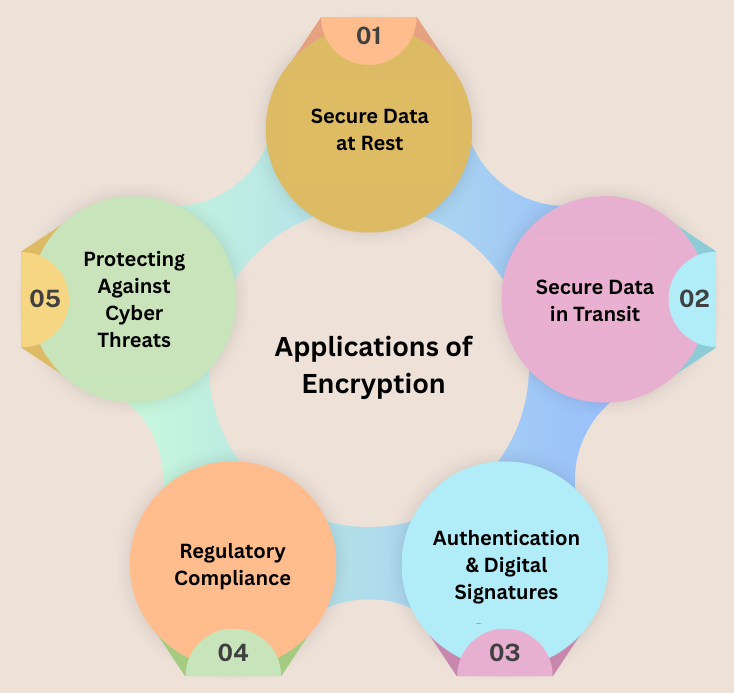
Encryption transforms readable information into unreadable data that can only be accessed by authorized individuals who possess the correct decryption key or password. Even if files are intercepted during transmission, encryption prevents attackers from viewing their contents.
At locknet.site, we help entrepreneurs and growing businesses build a bulletproof digital presence through practical cybersecurity strategies. This guide explains how file encryption works, why it matters, and how to implement secure file-sharing practices that protect both your business and your clients.
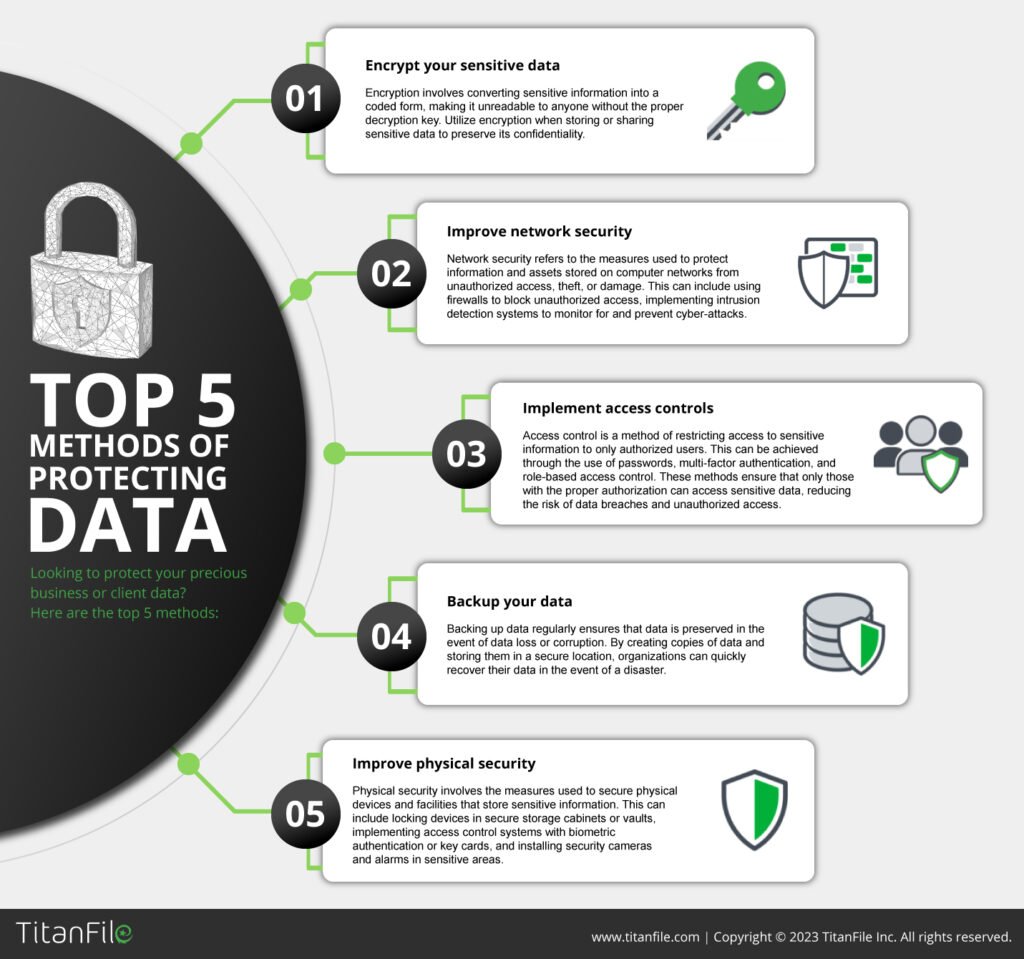
Why File Encryption Matters More Than Ever in 2026
The way businesses exchange information has changed dramatically.
Today, sensitive files are routinely shared through:
- Cloud storage platforms
- Client portals
- Collaboration tools
- Messaging applications
- Remote work environments
Every transfer creates potential exposure.
Cybercriminals increasingly target file-sharing workflows because they often contain:
- Customer records
- Financial statements
- Tax documents
- Intellectual property
- Legal agreements
- Healthcare information
Without encryption, intercepted files may be viewed immediately.
With encryption, stolen files remain unreadable.
What Is File Encryption?
Encryption is the process of converting data into a coded format that can only be unlocked with a specific key, password, or authentication method.
When properly implemented:
- Unauthorized users cannot read the contents.
- Intercepted files remain protected.
- Data confidentiality is preserved.
- Compliance requirements are easier to meet.
Encryption acts as a final safety net when other security controls fail.
Common Threats to Sensitive File Transfers
Many businesses underestimate the number of risks involved in online file sharing.
AI-Driven Phishing Attacks
Attackers increasingly use artificial intelligence to create convincing messages that trick employees into sharing files.
Email Account Compromise
A compromised email account can expose confidential attachments.
Cloud Storage Breaches
Misconfigured cloud environments remain a leading cause of accidental data exposure.
Public Wi-Fi Interception
Unsecured networks may increase the risk of unauthorized monitoring.
Ransomware Campaigns
Many ransomware groups steal files before encrypting systems.
Insider Threats
Employees or contractors with excessive access can misuse sensitive information.
Vulnerability Assessment: Is Your Business at Risk?
Your organization may face elevated risk if:
Files Are Sent as Standard Email Attachments
Traditional email was not designed for highly sensitive information.
Passwords Are Shared in the Same Message
Sending both the encrypted file and password together defeats the purpose of encryption.
Employees Use Personal Accounts
Personal email services often lack enterprise-grade controls.
Cloud Permissions Are Too Broad
Overly permissive sharing settings expose data unnecessarily.
No Encryption Policy Exists
Without formal guidelines, security practices become inconsistent.
Comparison Table: Common File Sharing Methods
| Method | Security Level | Suitable for Sensitive Files | Risk Level |
|---|---|---|---|
| Standard Email Attachment | Low | No | High |
| Shared Public Link | Low | No | High |
| Password-Protected ZIP File | Medium | Yes | Moderate |
| Encrypted Cloud Transfer | High | Yes | Low |
| Secure Client Portal | Very High | Yes | Very Low |
| End-to-End Encrypted Platform | Very High | Yes | Very Low |
This comparison demonstrates why encrypted transfer methods are essential for modern businesses.
How Encryption Protects Client Information
Encryption provides multiple security benefits.
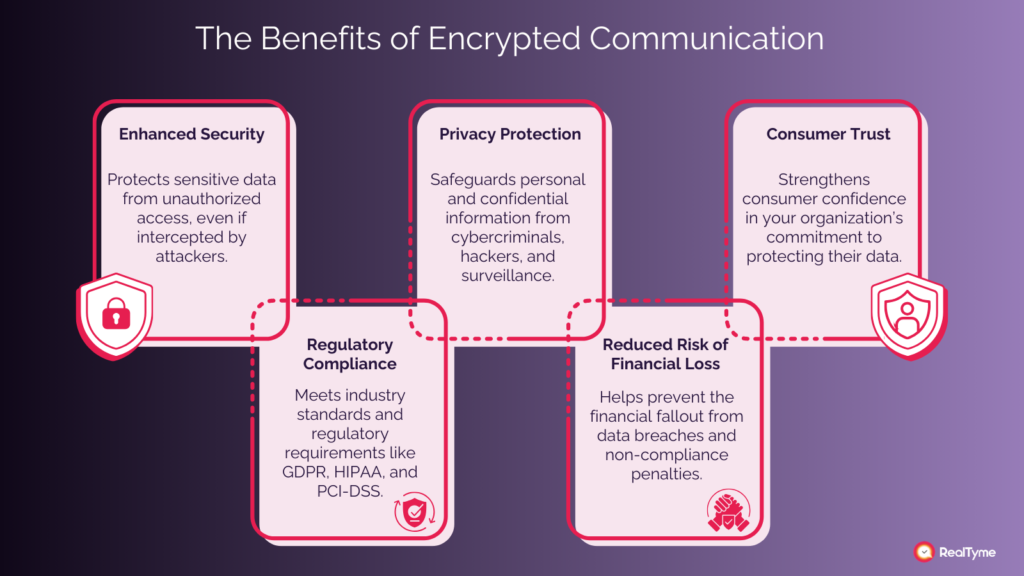
Data Confidentiality
Only authorized recipients can access file contents.
Regulatory Compliance
Encryption supports compliance with many privacy and data protection frameworks.
Reduced Breach Impact
Stolen encrypted files are far less valuable to attackers.
Enhanced Client Trust
Customers increasingly expect businesses to protect sensitive information.
Step-by-Step Guide: How to Encrypt Sensitive Client Files Before Sending Them Online
Following a structured process greatly improves security.
Step 1: Classify the Data
Determine the sensitivity level of the file.
Examples include:
- Financial records
- Client contracts
- Employee information
- Medical records
- Legal documents
The more sensitive the data, the stronger the protection required.
Step 2: Choose an Encryption Method
Common options include:
- Password-protected encrypted archives
- Encrypted PDF documents
- Secure file-sharing platforms
- Encrypted cloud storage
Choose a solution appropriate for the sensitivity level.
Step 3: Create a Strong Password
Use:
- Long passphrases
- Random characters
- Unique credentials
Avoid predictable passwords.
Here is the real talk about why your current password isn’t enough.
Many breaches occur because attackers successfully guess or reuse weak passwords associated with encrypted files.
Step 4: Encrypt the File
Apply encryption before uploading or transmitting the document.
Verify encryption settings carefully.
Step 5: Send the File Securely
Use trusted communication channels.
Avoid public sharing links whenever possible.
Step 6: Deliver the Password Separately
Never send the password in the same email as the encrypted file.
Use:
- Phone calls
- Secure messaging
- Separate communication channels
Step 7: Confirm Receipt
Verify that the intended recipient successfully received and accessed the file.
Step 8: Remove Unnecessary Copies
Delete temporary files after transfer to reduce exposure.
Step-by-Step Guide: Securing Cloud-Based File Sharing
Many businesses rely on cloud platforms for collaboration.
Follow this proccess to improve security.
Step 1: Enable Multi-Factor Authentication
Require MFA for all cloud accounts.
Step 2: Restrict Sharing Permissions
Limit access to authorized users only.
Step 3: Use Expiring Links
Configure links to expire automatically.
Step 4: Monitor Access Logs
Review:
- File downloads
- Sharing activity
- Login attempts
Step 5: Enable Encryption at Rest and in Transit
Ensure data remains protected throughout its lifecycle.
Step 6: Review User Access Quarterly
Remove unnecessary permissions regularly.
Step 7: Apply Least Privilege Principles
Users should only access files required for their roles.
Defense Layers for Secure File Transfers
Encryption works best when combined with additional security controls.
Multi-Factor Authentication
Protects cloud accounts from unauthorized access.
Endpoint Security
Secure devices reduce the likelihood of credential theft.
Install:
- Antivirus software
- Device encryption
- Threat detection tools
Secure Client Portals
Dedicated portals often provide stronger protection than email attachments.
Data Loss Prevention Controls
DLP solutions help prevent accidental disclosures.
Security Awareness Training
Employees should recognize:
- AI-generated phishing emails
- Fake file-sharing requests
- Credential harvesting attacks
Look, I get it, cybersecurity sounds like a headache, but most file-sharing breaches begin with simple human mistakes that can be prevented through awareness and training.
Recovery Plan After a Sensitive File Exposure Incident
Despite strong defenses, incidents can still occur.
Immediate Actions
If exposure is suspected:
- Revoke access immediately.
- Disable shared links.
- Change credentials.
- Investigate affected systems.
Determine Scope
Identify:
- Which files were exposed
- Who accessed them
- How the incident occurred
Notify Stakeholders
Depending on legal obligations and risk levels, notification may be required.
Strengthen Security Controls
Use lessons learned to improve future protections.
Security Checklist for Encrypted File Sharing
| Security Control | Required |
|---|---|
| Sensitive Files Classified | Yes |
| Encryption Applied Before Transfer | Yes |
| MFA Enabled | Yes |
| Strong Passwords Used | Yes |
| Password Shared Separately | Yes |
| Cloud Permissions Restricted | Yes |
| Access Logs Reviewed | Recommended |
| Secure Client Portal Available | Recommended |
| Employee Training Conducted | Recommended |
| Incident Response Plan Documented | Recommended |
Common Mistakes Businesses Make
Sending Passwords with the File
This eliminates much of the protection encryption provides.
Using Weak Passwords
Weak passwords undermine strong encryption.
Over-Sharing Cloud Links
Public links often expose data unintentionally.
Ignoring Access Reviews
Former employees may retain access longer than necessary.
Relying Solely on Email Security
Email security alone cannot fully protect sensitive attachments.
Skipping Endpoint Protection
Compromised devices can expose encrypted files before transmission.
A poorly configured firewal, outdated device, or weak access policy can create security gaps that encryption alone cannot solve.
How Encryption Supports Ransomware Defense
Encryption is not only about privacy.
It also strengthens resilience against ransomware.
If attackers steal encrypted files but cannot obtain decryption credentials, the value of stolen information decreases significantly.
Combined with:
- Backups
- MFA
- Endpoint security
- Zero Trust access controls
encryption becomes an important part of a broader ransomware defense strategy.
Final Thoughts
Understanding how to encrypt sensitive client files before sending them online is one of the most valuable cybersecurity practices a business can adopt in 2026. As AI-powered phishing attacks, ransomware operations, cloud security incidents, and credential theft campaigns continue to evolve, protecting client information must remain a top priority.
Encryption provides a powerful safeguard by ensuring that sensitive files remain unreadable to unauthorized users, even if they are intercepted or stolen. When paired with strong passwords, multi-factor authentication, secure cloud management, endpoint protection, and employee training, encryption significantly reduces the risk of data breaches and compliance failures.
At locknet.site, we help entrepreneurs and small businesses build secure digital operations that inspire trust and withstand modern cyber threats. Protecting client data is not just a technical requirement—it is a business responsibility.
Ready to strengthen your file-sharing security? Conduct a data protection audit, subscribe to the latest cybersecurity insights from locknet.site, and consult a security specialist today to ensure your sensitive client information remains protected wherever it travels.
Leave a Reply