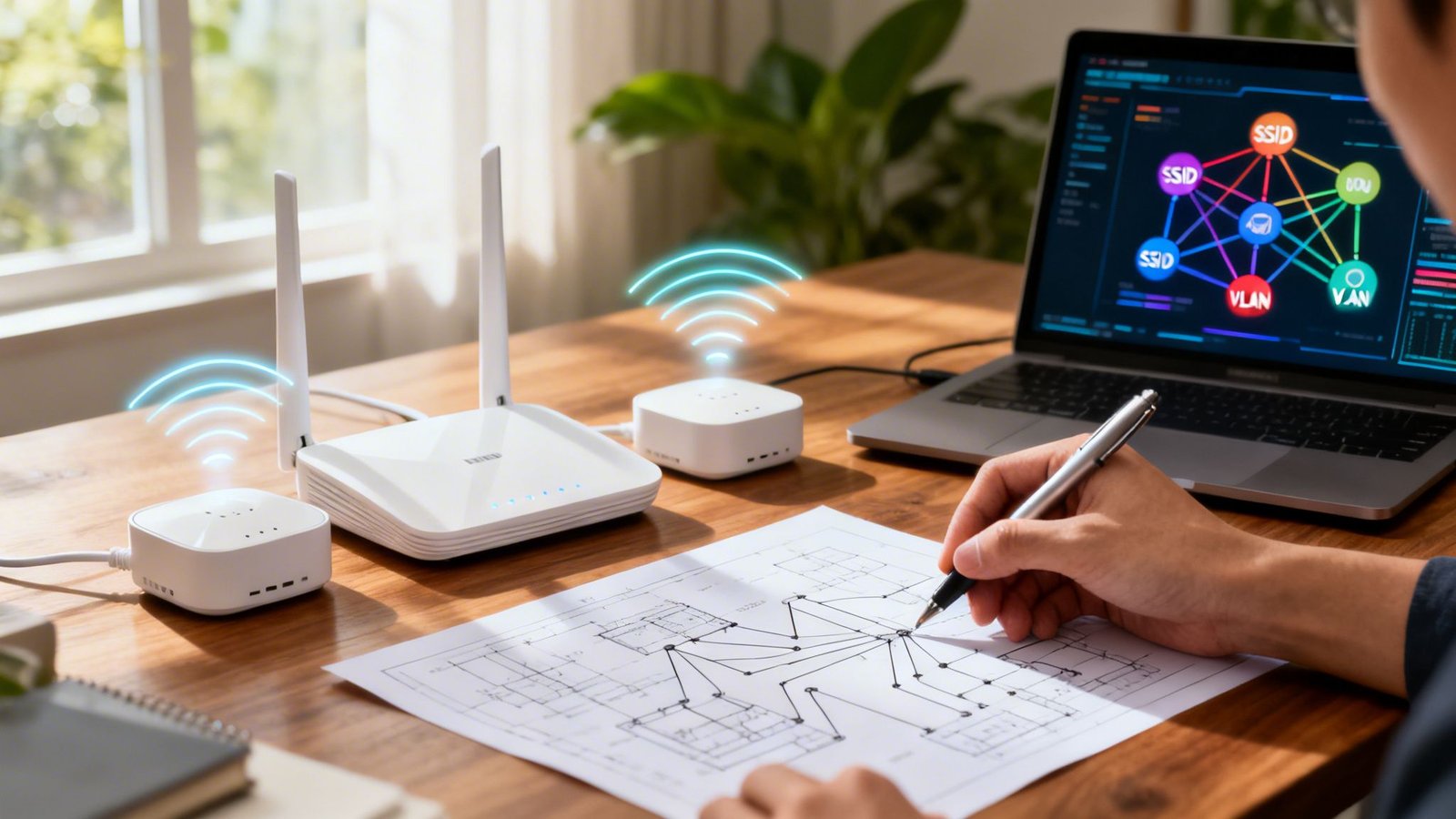
Secure Your Business Network Today: How to Set Up a Secure Guest Wi-Fi for Your Office Visitors in 2026
Learn how to set up a secure guest Wi-Fi for your office visitors and protect your business from cyber threats in 2026.
In today’s connected workplace, offering Wi-Fi access to visitors is no longer a luxury—it’s an expectation. Clients, vendors, consultants, contractors, job candidates, and business partners often request internet access the moment they step into your office.
While providing internet access improves convenience and professionalism, it also introduces significant cybersecurity risks if not configured properly.
In the 2026 threat landscape, cybercriminals are actively exploiting poorly configured office networks through AI-driven phishing campaigns, ransomware attacks, unauthorized access attempts, and cloud account compromises. Many small businesses unknowingly expose their internal systems simply by allowing guests onto the same network used by employees.
The good news is that creating a secure guest Wi-Fi network is easier than many business owners think.
Look, I get it, cybersecurity sounds like a headache, but setting up a secure guest network is one of the most effective and affordable ways to reduce cyber risk. It creates a protective barrier between visitors and your business-critical systems while maintaining a positive experience for guests.
This guide explains how to set up a secure guest Wi-Fi for your office visitors, the common mistakes to avoid, and the security controls every modern business should implement to stay protected in 2026.

Why Your Office Needs a Separate Guest Wi-Fi Network
Many organizations make the mistake of allowing visitors to connect directly to the same Wi-Fi used by employees.
This creates unnecessary exposure.
Guests may unintentionally introduce:
- Infected devices
- Malware
- Ransomware
- Unauthorized applications
- Network scanning tools
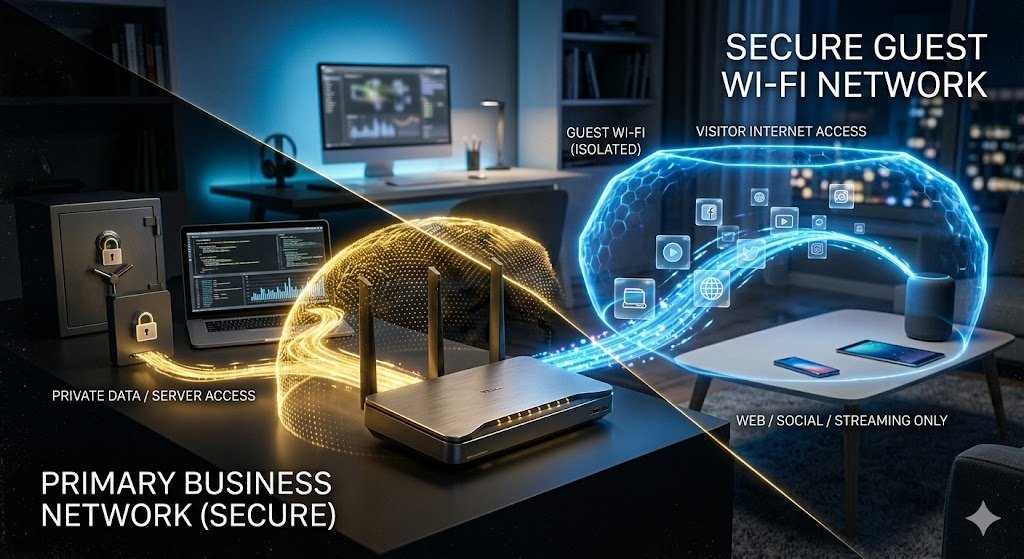
A dedicated guest network helps isolate visitor traffic from:
- Business computers
- Servers
- Cloud-connected systems
- Printers
- Security cameras
- Financial systems
- Employee devices
Network separation significantly reduces the risk of lateral movement if a connected device becomes compromised.
Understanding Modern Wi-Fi Threats in 2026
The cybersecurity environment has changed dramatically.
Today’s attackers often use automation and artificial intelligence to identify vulnerable business networks.
AI-Driven Phishing Campaigns
Cybercriminals can generate convincing phishing emails and login pages that trick users into revealing credentials.
Ransomware Infiltration
Compromised devices connected to internal networks can become entry points for ransomware operators.
Rogue Device Attacks
Attackers may connect unauthorized devices to gather information about your network.
Credential Theft
Unsecured wireless networks increase opportunities for credential interception and misuse.
Cloud Service Exploitation
Many small businesses rely on cloud platforms such as Microsoft 365, Google Workspace, and Dropbox.
A compromised network connection can create pathways to these valuable systems.
Benefits of a Secure Guest Wi-Fi Network
A properly configured guest network provides multiple advantages.
Enhanced Security
Visitors cannot directly access internal systems.
Better Compliance
Many regulatory frameworks encourage network segmentation.
Improved Network Performance
Guest traffic remains separate from business operations.
Professional Experience
Clients and visitors enjoy convenient internet access without compromising security.
Reduced Cyber Risk
Segmentation limits the impact of potential security incidents.
Guest Wi-Fi vs Business Wi-Fi Comparison Table
| Feature | Business Wi-Fi | Guest Wi-Fi |
|---|---|---|
| Access to Internal Systems | Yes | No |
| Access to Servers | Yes | No |
| Cloud Management Access | Yes | No |
| Employee Device Connectivity | Yes | No |
| Internet Access | Yes | Yes |
| Recommended Security Controls | Advanced | Restricted |
| User Type | Employees | Visitors |
Core Security Principles for Guest Networks
Before configuring any equipment, understand the key security objectives.
Isolation
Guests should never have direct access to business resources.
Authentication
Control who can access the network.
Monitoring
Track unusual network activity.
Encryption
Protect wireless communications.
Access Control
Limit network privileges to the minimum necessary level.
Step-by-Step Guide: How to Set Up a Secure Guest Wi-Fi for Your Office Visitors
Step 1: Access Your Router or Firewall Dashboard
Log into your:
- Business router
- Firewall appliance
- Wireless controller
Use administrator credentials and ensure firmware is fully updated.
Step 2: Create a Separate Guest SSID
Create a new wireless network specifically for visitors.
Examples:
- Company Guest
- Office Guest Wi-Fi
- Visitor Network
Avoid naming the network after sensitive internal systems.
Step 3: Enable Guest Network Isolation
Most modern routers provide a guest isolation feature.
Enable settings that prevent:
- Device-to-device communication
- Access to internal resources
- Network discovery
This is one of the most important security controls.
Step 4: Use WPA3 Encryption
Whenever possible, enable WPA3.
Benefits include:
- Stronger encryption
- Improved password protection
- Better resistance to wireless attacks
If WPA3 is unavailable, use WPA2 as a minimum standard.
Step 5: Configure Strong Passwords
Do not use weak passwords such as:
- Welcome123
- GuestWiFi
- Password123
Use unique credentials and update them regularly.
Here is the real talk about why your current password isn’t enough.
Many attackers use automated systems capable of testing millions of password combinations rapidly.
Step 6: Restrict Access to Internal Resources
Block guest access to:
- Servers
- Printers
- Shared drives
- Security cameras
- Administrative portals
Your visitor network should provide internet access only.
Step 7: Enable Bandwidth Controls
Prevent guest users from consuming excessive resources.
Set limits for:
- Download speeds
- Upload speeds
- Maximum connections
This helps maintain productivity for employees.
Step 8: Configure Automatic Session Expiration
Disconnect inactive users after a specified period.
Examples:
- 4 hours
- 8 hours
- End of business day
This reduces lingering connections and improves overall security.
Step 9: Activate Logging and Monitoring
Record:
- Connection attempts
- Device activity
- Bandwidth usage
- Authentication failures
Monitoring provides valuable visibility into potential threats.
Step 10: Review Security Settings Monthly
Establish a recurring proccess for reviewing:
- Password policies
- User access controls
- Firmware updates
- Security logs
Cybersecurity requires continuous attention.
Additional Protection Layers for Modern Businesses
Guest network security should be part of a broader cybersecurity strategy.
Deploy Business Firewalls
A properly configured firewal helps monitor and filter network traffic.
Modern firewalls can:
- Detect suspicious activity
- Block malicious connections
- Enforce access policies
Use Endpoint Security Solutions
Protect employee devices with:
- Antivirus software
- Endpoint Detection and Response (EDR)
- Threat monitoring tools
Implement Multi-Factor Authentication
MFA protects cloud services and administrative accounts from unauthorized access.
Secure Cloud Platforms
Protect access to:
- Microsoft 365
- Google Workspace
- Dropbox
- Slack
- CRM systems
Cloud security should be considered an extension of network security.
Security Checklist for Guest Wi-Fi Deployment
| Security Task | Status |
|---|---|
| Separate Guest SSID Created | ✓ |
| WPA3 Encryption Enabled | ✓ |
| Network Isolation Activated | ✓ |
| Internal Resource Access Blocked | ✓ |
| Strong Password Configured | ✓ |
| Logging Enabled | ✓ |
| Firmware Updated | ✓ |
| Monthly Security Reviews Scheduled | ✓ |
Common Guest Wi-Fi Security Mistakes
Using the Same Network for Everyone
Combining employees and visitors on one network significantly increases risk.
Leaving Default Passwords Active
Default credentials remain a favorite target for attackers.
Ignoring Firmware Updates
Outdated networking equipment often contains known vulnerabilities.
Disabling Monitoring
Without visibility, suspicious activity may go unnoticed.
Providing Unlimited Access
Guest networks should have restricted permissions by design.
Protecting Remote Teams and Hybrid Workforces
Many businesses now operate in hybrid environments where employees alternate between home, office, and travel.
Guest network security should complement:
Zero Trust Access Models
Verify every connection regardless of location.
Secure VPN Usage
Encrypt sensitive communications.
Cloud Security Monitoring
Monitor cloud access patterns continuously.
Endpoint Compliance Controls
Ensure devices meet security standards before connecting.
Preparing for Future Cyber Threats
The future of business networking will increasingly rely on:
- AI-powered threat detection
- Behavioral analytics
- Zero Trust architecture
- Automated incident response
- Advanced cloud security controls
Organizations that adopt these technologies early will enjoy stronger resilience against evolving cyber threats.
Learning how to set up a secure guest Wi-Fi for your office visitors is no longer simply an IT task—it is a business security requirement. A properly configured guest network protects internal systems, reduces ransomware exposure, supports compliance efforts, and creates a safer environment for employees and visitors alike.
At locknet.site, we help entrepreneurs, startups, and small business owners build a bulletproof digital presence through practical cybersecurity guidance tailored for the realities of modern business. Whether you’re securing a small office, managing a hybrid workforce, or protecting cloud-based operations, network segmentation remains one of the smartest investments you can make.
Don’t wait until a cyber incident exposes weaknesses in your infrastructure. Conduct a network security audit today, subscribe to the latest cybersecurity insights, and connect with the experts at locknet.site to strengthen your defenses before attackers discover an opportunity.
Leave a Reply